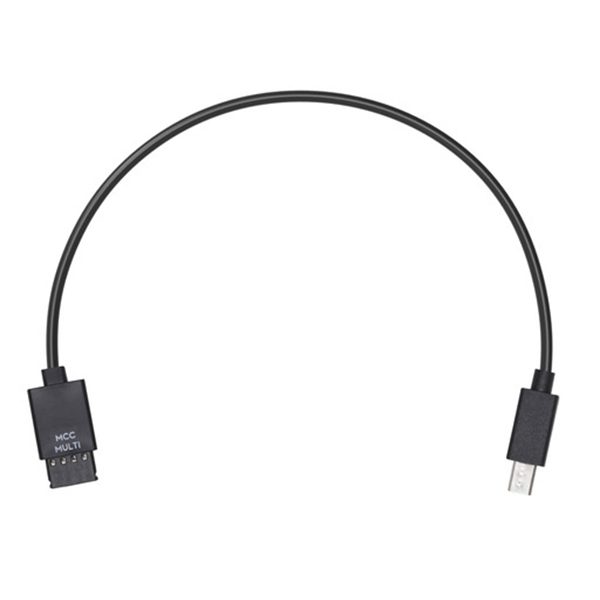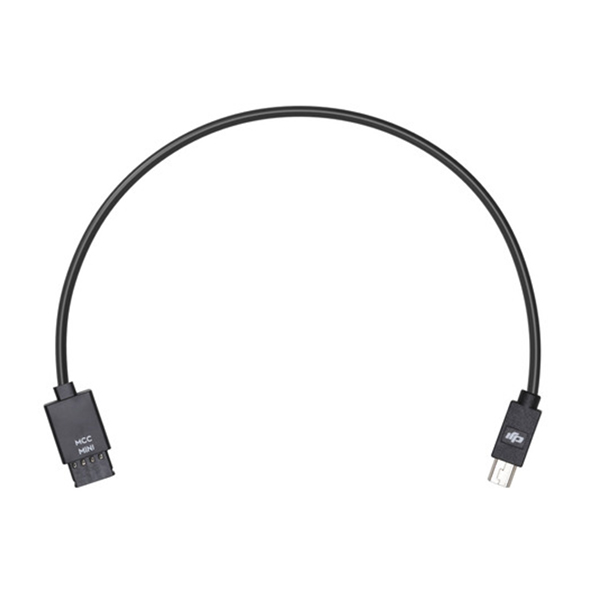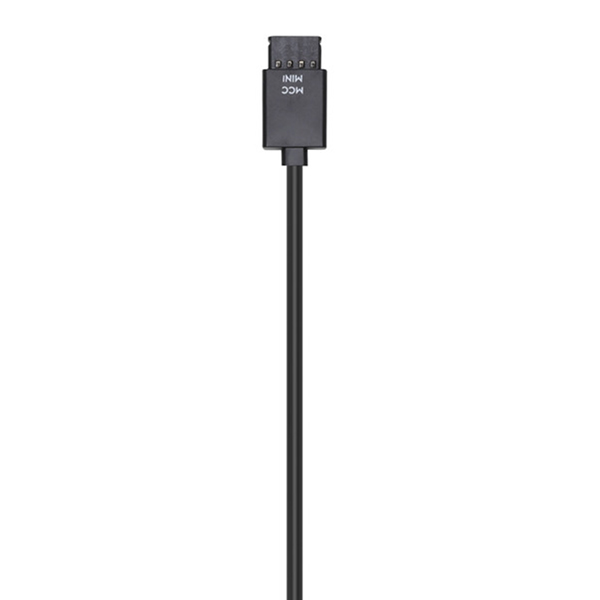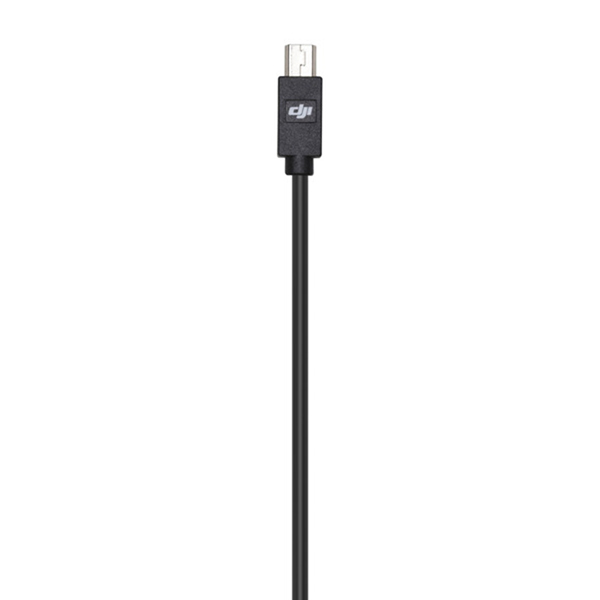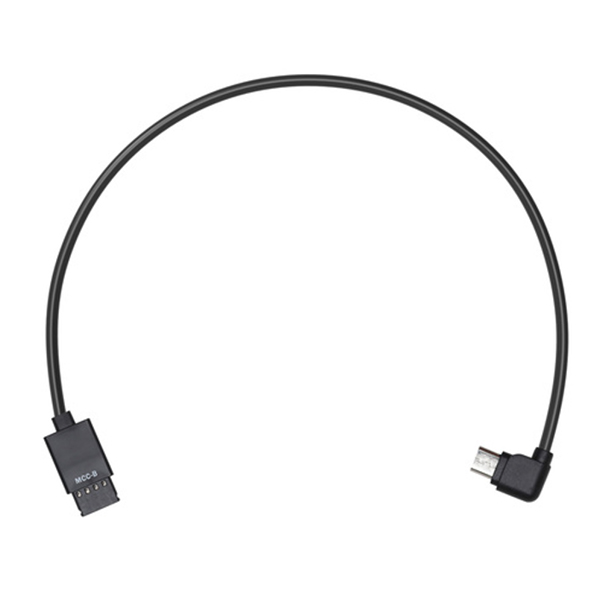
Ronin-S Multi-Camera Control Cable (Mini USB)

SKU: 000539

In order to control your camera with the Ronin-S Camera Control Button, use the Multi-Camera Control Cable (Mini USB) to connect your camera and the Ronin-S Camera Control Port.

Apple Shopping Event

Hurry and get discounts on all Apple devices up to 20%

Sale_coupon_15

Call for Price

Εξαντλημένο

Εξαντλημένο

This product is currently sold out.

No worries! Enter your email, and we'll let you know as soon as it's back in stock.

17 People watching this product now!
  • Pick up from the Woodmart Store

To pick up today

Free

  • Courier delivery

Our courier will deliver to the specified address

2-3 Days

Free

  • DHL Courier delivery

DHL courier will deliver to the specified address

2-3 Days

Free

  • Warranty 1 year
  • Free 30-Day returns

Payment Methods:

Drone Solutions

Biggest Name in Cyprus

Consistency

13 Years of Innovation

Fast Delivery Process

Secure, Fast & Trackable Shipping

Full Support

Fast & Reliable Product Support

Guarantee

Official Manufacturer's Warranty

Drone Solutions

Biggest Name in Cyprus

Consistency

13 Years of Innovation

Fast Delivery Process

Secure, Fast & Trackable Shipping

Full Support

Fast & Reliable Product Support

Guarantee

Official Manufacturer's Warranty

Description

Overview
In order to control your camera with the Ronin-S Camera Control Button, use the Multi-Camera Control Cable (Mini USB) to connect your camera and the Ronin-S Camera Control Port.

Please refer to the Ronin-S Camera Compatibility List for more information on the supported camera models, control features, and camera settings.

In the Box
Ronin-S Multi-Camera Control Cable (Mini USB) × 1
Compatibility
Ronin-S

Specification

dfyvgbhnj

Weight 0.1 kg
Brand

Display

Weight 0.1 kg
Brand

Overview

Weight 0.1 kg

RAM

Weight 0.1 kg
Brand

Storage

Weight 0.1 kg
Brand

Video Card

Weight 0.1 kg
Brand

Connectivity

Weight 0.1 kg
Brand

Features

Weight 0.1 kg
Brand

Battery

Weight 0.1 kg
Brand

General

Weight 0.1 kg
Brand

Description

Overview
In order to control your camera with the Ronin-S Camera Control Button, use the Multi-Camera Control Cable (Mini USB) to connect your camera and the Ronin-S Camera Control Port.

Please refer to the Ronin-S Camera Compatibility List for more information on the supported camera models, control features, and camera settings.

In the Box
Ronin-S Multi-Camera Control Cable (Mini USB) × 1
Compatibility
Ronin-S

Specification

dfyvgbhnj

Weight 0.1 kg
Brand

Display

Weight 0.1 kg
Brand

Overview

Weight 0.1 kg

RAM

Weight 0.1 kg
Brand

Storage

Weight 0.1 kg
Brand

Video Card

Weight 0.1 kg
Brand

Connectivity

Weight 0.1 kg
Brand

Features

Weight 0.1 kg
Brand

Battery

Weight 0.1 kg
Brand

General

Weight 0.1 kg
Brand

Customer Reviews